AI Smart Glasses Chat GPT 800MP HD Camera Bluetooth Call Voice Assistant Smart Glasses Real-time Translation Open-Ear Sunglasses
$228
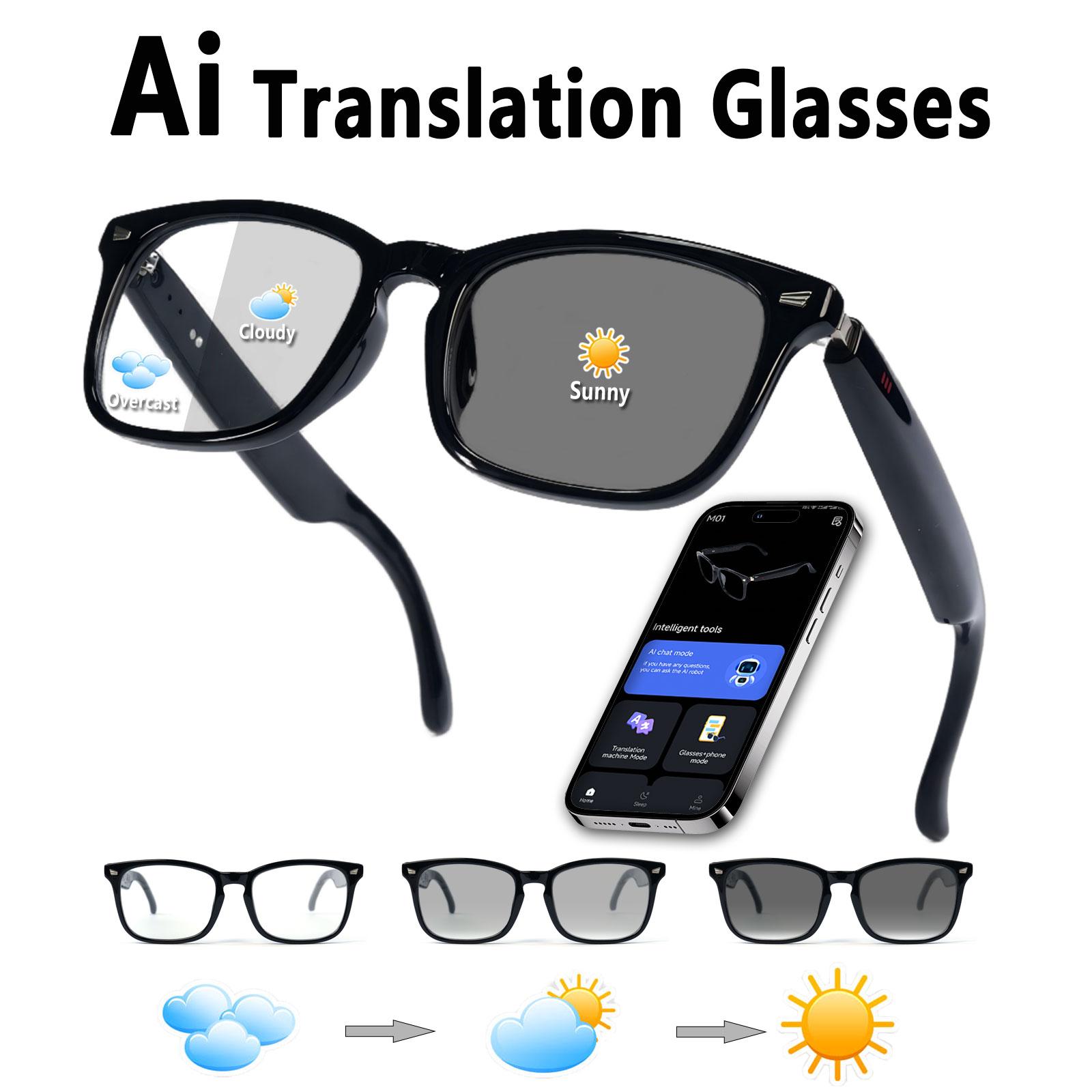
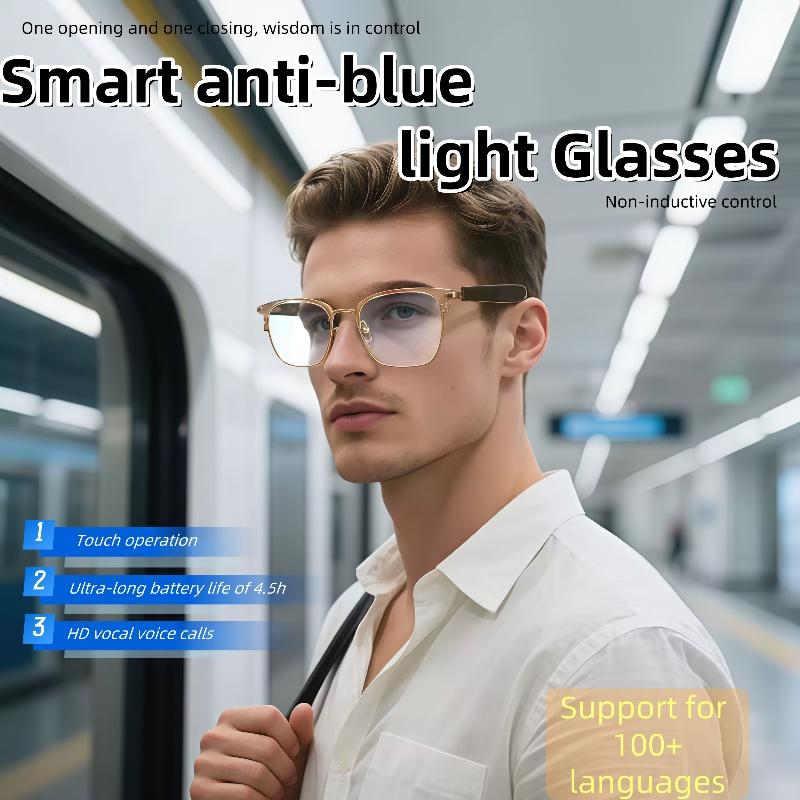
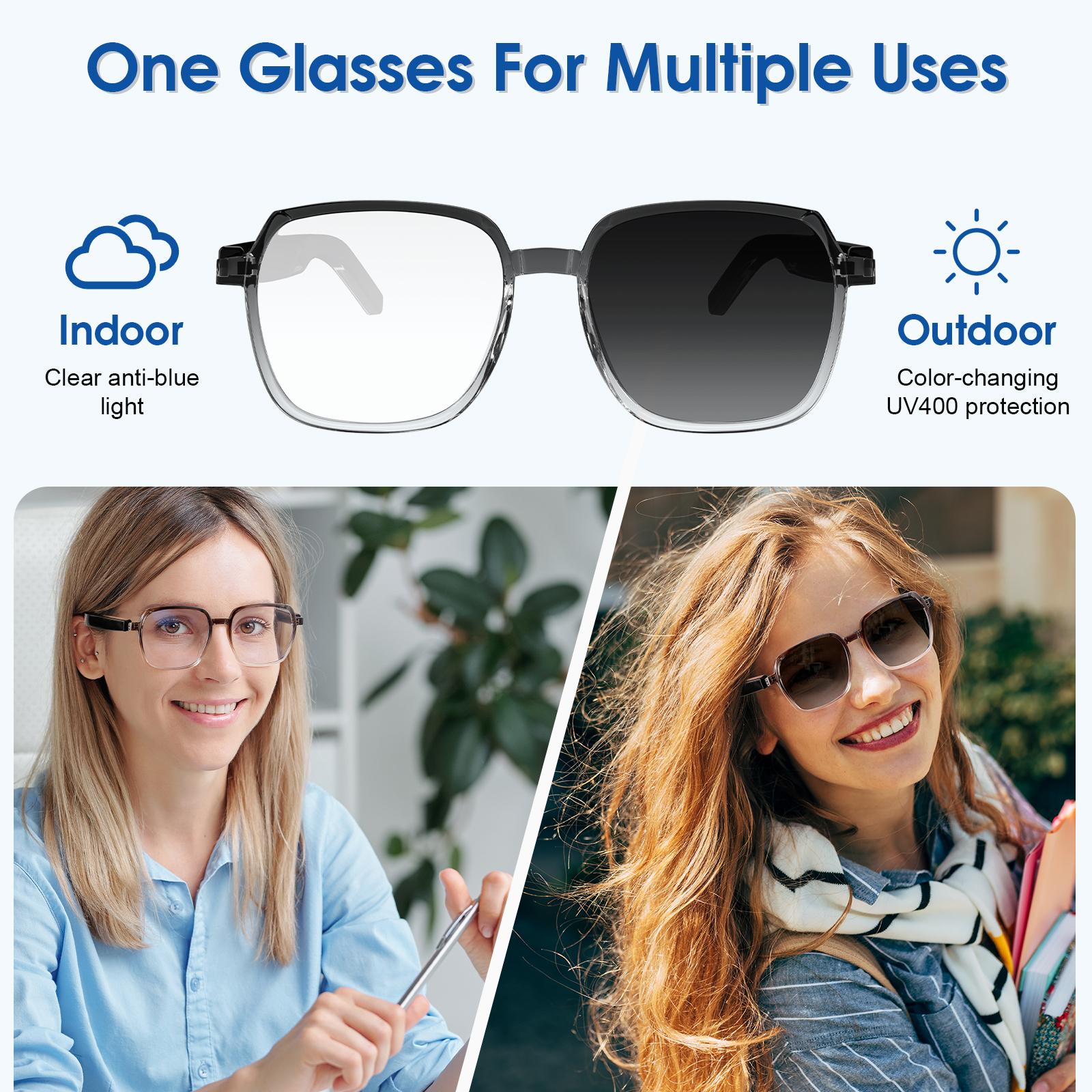
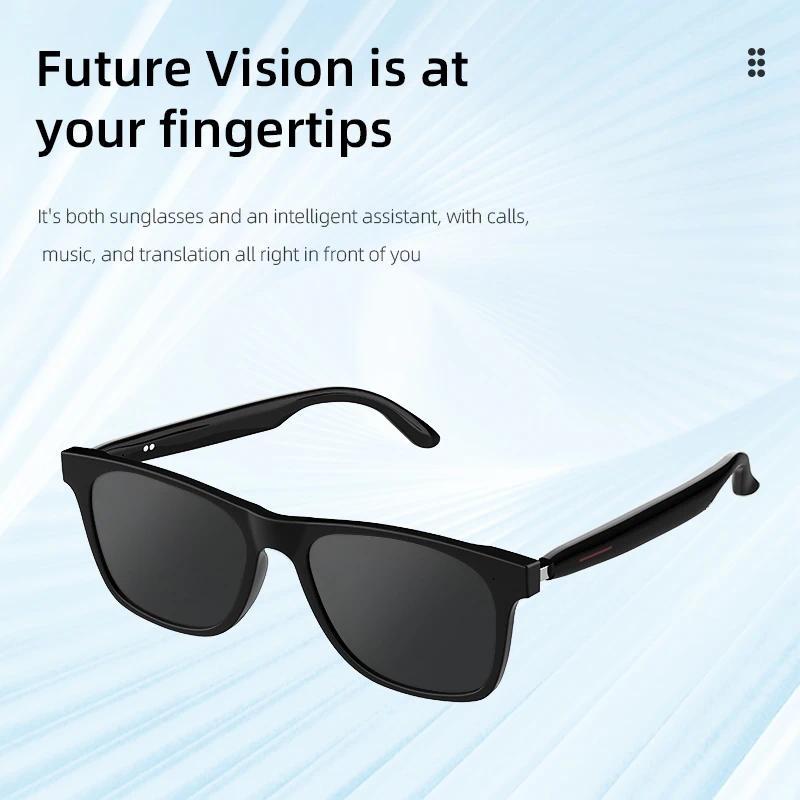
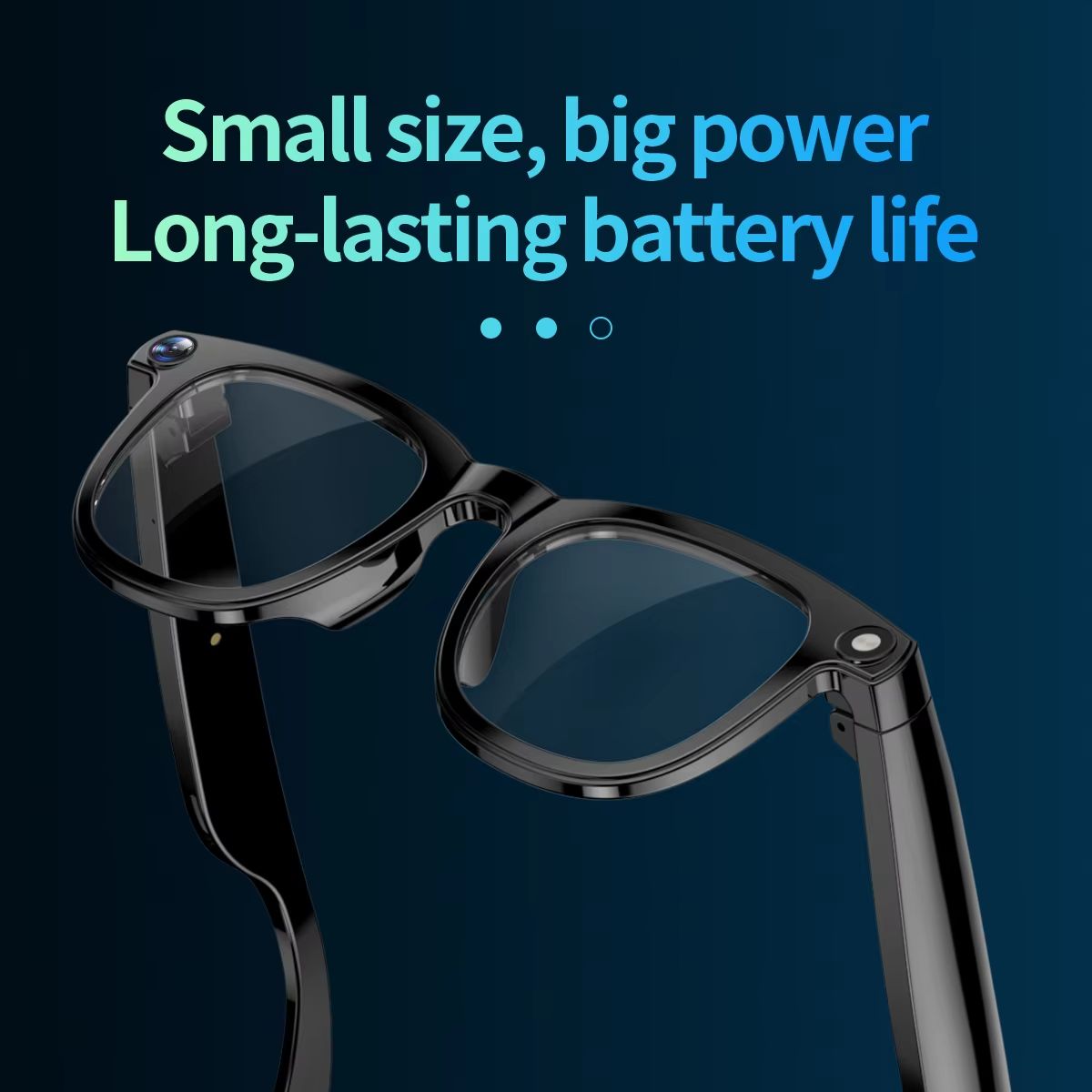
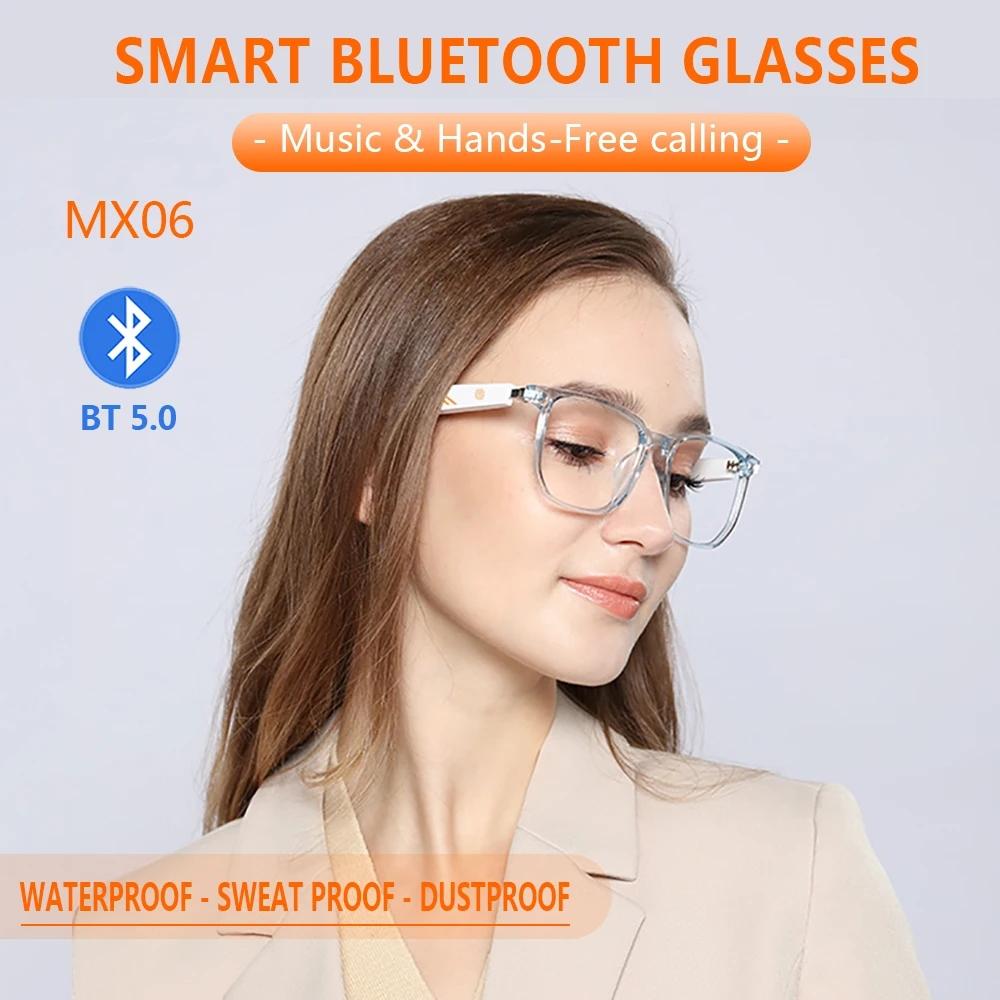
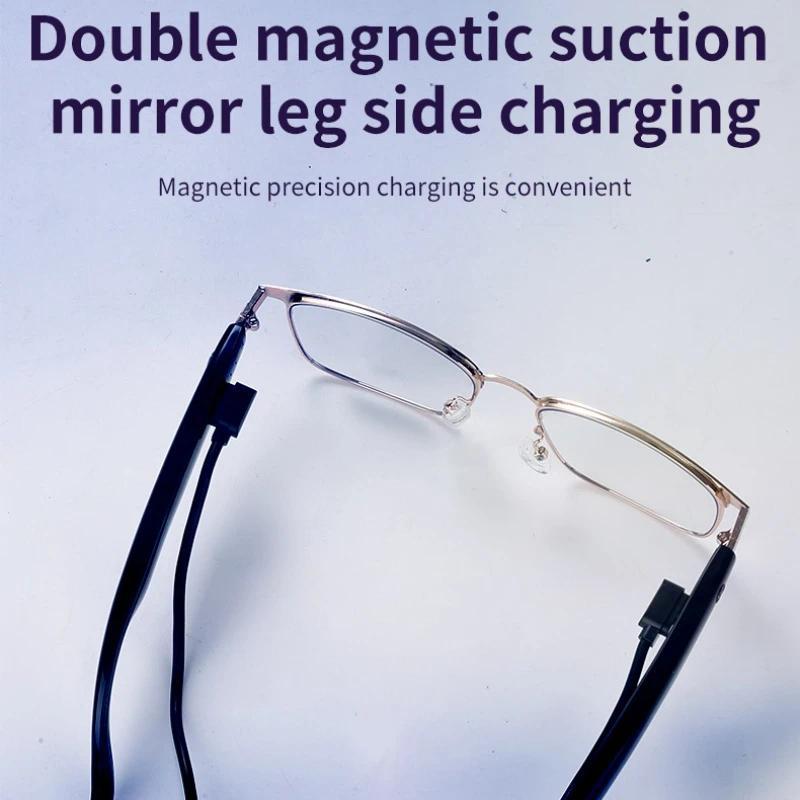
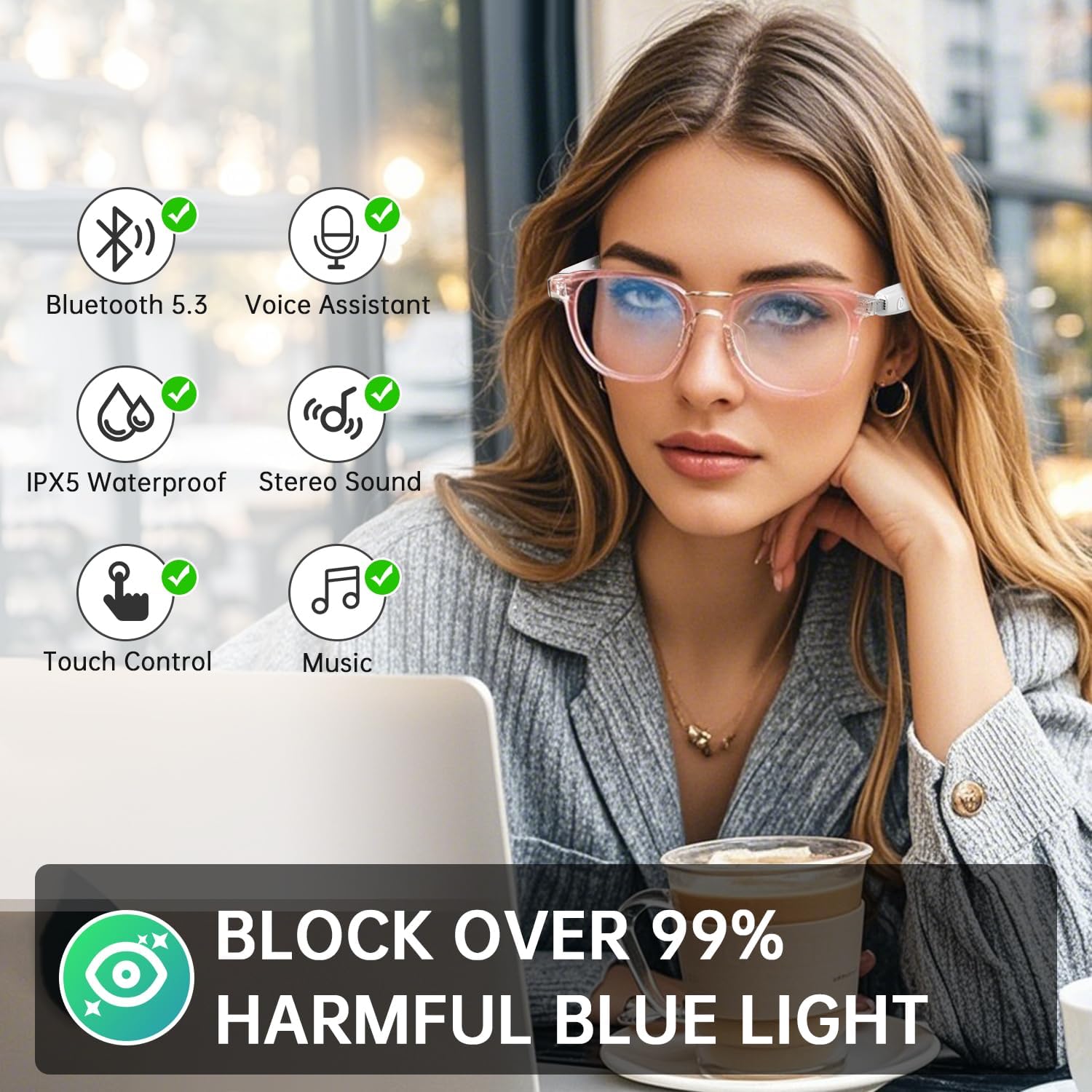
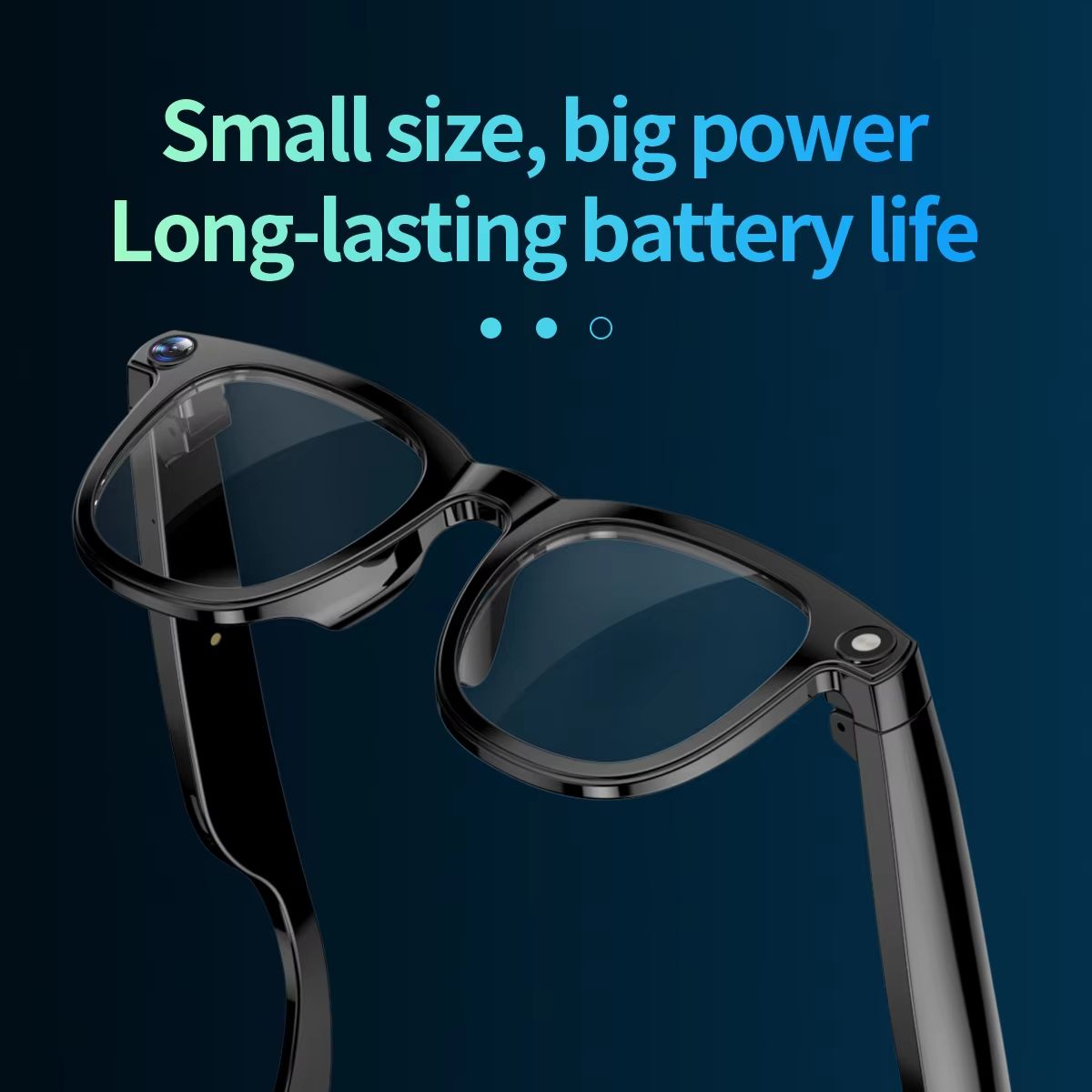
<p>AI Smart Glasses Chat GPT 800MP HD Camera Bluetooth Call Voice Assistant Smart Glasses Real-time Translation Open-Ear Sunglasses</p><p>Basic Parameters</p><p>Color: Purple smart glasses (Includes sunglasses and clear lenses)</p><p>Material and Craftsmanship</p><p>Major Functions:</p><p>1. Camera: 8MP HD camera for photos, 12MP stabilized HD video recording</p><p>2. AI Translation: Conversation translation (automatic recognition), simultaneous translation (real-time translation)</p><p>3. AI Assistant: Connects to Chat GPT large model, AI dialogue, AI fast image recognition</p><p>4. Bluetooth Calling: Answer and reject calls</p><p>5. Other Functions: Music playback, recording, photo taking, video stabilization, dual microphone noise reduction, dual speakers, wear detection, Wi-Fi transmission, voice wake-up</p><p>Product description:</p><p>Chipset supplier:Jie Li</p><p>Bluetooth chip: JL7018F</p><p>video chip: quanzhi V821</p><p>APP: HeyCyan</p><p>Compatible system: For Android 6.0 and above, IOS 13.0 and above</p><p>FLASH memory: RAM4Gb+ROM16Gb</p><p>Button: 3 physical buttons + 1 touch control</p><p>Camera model: Sony IMX 219</p><p>Camera: 800W</p><p>pixels, video: Photo 3200W, Video 1200P, 30 frames</p><p>MIC: Dual microphone noise reduction</p><p>Speaker: One horn on each ear</p><p>Touch Type: Right ear sliding touch control</p><p>Battery life: continuous call duration of 10 hours, standby time of 5-7 days</p><p>Continuous recording: More than 1 hour</p><p>Playing music: About 10 hour</p><p>Charging time: About 1.5 hour</p><p>Charging method: Type-c</p><p>WIFI transmission: Taking photos, recording videos, and recording audio</p><p>Battery: 300mAh, 3.8V</p><p>BT:Bluetooth 6.0</p><img src="https://p16-oec-va.ibyteimg.com/tos-maliva-i-o3syd03w52-us/fb6f167f6e8e467093babe782d7bcdd2~tplv-o3syd03w52-origin-jpeg.jpeg?dr=15568&t=555f072d&ps=933b5bde&shp=5563f2fb&shcp=9794469a&idc=maliva&from=1432613627" width="800" height="1324"><img src="https://p16-oec-va.ibyteimg.com/tos-maliva-i-o3syd03w52-us/eb24fc9eb4884af78bd2a84cf28495fe~tplv-o3syd03w52-origin-jpeg.jpeg?dr=15568&t=555f072d&ps=933b5bde&shp=5563f2fb&shcp=9794469a&idc=maliva&from=1432613627" width="800" height="1322"><img src="https://p16-oec-va.ibyteimg.com/tos-maliva-i-o3syd03w52-us/03b573848afc455abe868ea6f942314e~tplv-o3syd03w52-origin-jpeg.jpeg?dr=15568&t=555f072d&ps=933b5bde&shp=5563f2fb&shcp=9794469a&idc=maliva&from=1432613627" width="2000" height="2000"><img src="https://p16-oec-va.ibyteimg.com/tos-maliva-i-o3syd03w52-us/b7639cbc11a246b6a66c0594fd386192~tplv-o3syd03w52-origin-jpeg.jpeg?dr=15568&t=555f072d&ps=933b5bde&shp=5563f2fb&shcp=9794469a&idc=maliva&from=1432613627" width="800" height="1209"><img src="https://p16-oec-va.ibyteimg.com/tos-maliva-i-o3syd03w52-us/bee09653536242edacb25093d9c31007~tplv-o3syd03w52-origin-jpeg.jpeg?dr=15568&t=555f072d&ps=933b5bde&shp=5563f2fb&shcp=9794469a&idc=maliva&from=1432613627" width="800" height="1863"><img src="https://p16-oec-va.ibyteimg.com/tos-maliva-i-o3syd03w52-us/c207621545d448bd8264df310ffb3b3a~tplv-o3syd03w52-origin-jpeg.jpeg?dr=15568&t=555f072d&ps=933b5bde&shp=5563f2fb&shcp=9794469a&idc=maliva&from=1432613627" width="800" height="1510"><img src="https://p16-oec-va.ibyteimg.com/tos-maliva-i-o3syd03w52-us/1188edb2920742e794b082f32e180870~tplv-o3syd03w52-origin-jpeg.jpeg?dr=15568&t=555f072d&ps=933b5bde&shp=5563f2fb&shcp=9794469a&idc=maliva&from=1432613627" width="800" height="1384"><img src="https://p16-oec-va.ibyteimg.com/tos-maliva-i-o3syd03w52-us/fc43ad4cf9a6422a985bde9fd8598c95~tplv-o3syd03w52-origin-jpeg.jpeg?dr=15568&t=555f072d&ps=933b5bde&shp=5563f2fb&shcp=9794469a&idc=maliva&from=1432613627" width="800" height="2346"><img src="https://p16-oec-va.ibyteimg.com/tos-maliva-i-o3syd03w52-us/968e12d2dca84111889affa6c82aab46~tplv-o3syd03w52-origin-jpeg.jpeg?dr=15568&t=555f072d&ps=933b5bde&shp=5563f2fb&shcp=9794469a&idc=maliva&from=1432613627" width="800" height="1486"><img src="https://p16-oec-va.ibyteimg.com/tos-maliva-i-o3syd03w52-us/22e86ae1cb2a4c6d96130efb005cc2f7~tplv-o3syd03w52-origin-jpeg.jpeg?dr=15568&t=555f072d&ps=933b5bde&shp=5563f2fb&shcp=9794469a&idc=maliva&from=1432613627" width="2000" height="2000"><img src="https://p16-oec-va.ibyteimg.com/tos-maliva-i-o3syd03w52-us/1de819be05e047e0af27bccbd874a373~tplv-o3syd03w52-origin-jpeg.jpeg?dr=15568&t=555f072d&ps=933b5bde&shp=5563f2fb&shcp=9794469a&idc=maliva&from=1432613627" width="800" height="1424"><img src="https://p16-oec-va.ibyteimg.com/tos-maliva-i-o3syd03w52-us/9622b50971ca416f811b2481e7042d3e~tplv-o3syd03w52-origin-jpeg.jpeg?dr=15568&t=555f072d&ps=933b5bde&shp=5563f2fb&shcp=9794469a&idc=maliva&from=1432613627" width="800" height="1091"><img src="https://p16-oec-va.ibyteimg.com/tos-maliva-i-o3syd03w52-us/d7c808c40ef9431d8492aa9da1bf62f0~tplv-o3syd03w52-origin-jpeg.jpeg?dr=15568&t=555f072d&ps=933b5bde&shp=5563f2fb&shcp=9794469a&idc=maliva&from=1432613627" width="800" height="947"><img src="https://p16-oec-va.ibyteimg.com/tos-maliva-i-o3syd03w52-us/fe2bddb5a4f146d4a01f8e944974305b~tplv-o3syd03w52-origin-jpeg.jpeg?dr=15568&t=555f072d&ps=933b5bde&shp=5563f2fb&shcp=9794469a&idc=maliva&from=1432613627" width="2000" height="2000"><img src="https://p16-oec-va.ibyteimg.com/tos-maliva-i-o3syd03w52-us/f65ccff2c24a4ad09938d9e5625e20df~tplv-o3syd03w52-origin-jpeg.jpeg?dr=15568&t=555f072d&ps=933b5bde&shp=5563f2fb&shcp=9794469a&idc=maliva&from=1432613627" width="800" height="1318"><img src="https://p16-oec-va.ibyteimg.com/tos-maliva-i-o3syd03w52-us/3c1a64f3513a44b4908efa4ffda9eec2~tplv-o3syd03w52-origin-jpeg.jpeg?dr=15568&t=555f072d&ps=933b5bde&shp=5563f2fb&shcp=9794469a&idc=maliva&from=1432613627" width="800" height="1262"><img src="https://p16-oec-va.ibyteimg.com/tos-maliva-i-o3syd03w52-us/61a1c6fa67fe42e2a18b1448cff36246~tplv-o3syd03w52-origin-jpeg.jpeg?dr=15568&t=555f072d&ps=933b5bde&shp=5563f2fb&shcp=9794469a&idc=maliva&from=1432613627" width="800" height="1766"><p>Button Function</p><p>【Bottom left dial code】power on, power off</p><p>【Top left button:】</p><p>---Wake up AI voice assistant: Short press to wake up/exit.</p><p>---AI quick image recognition: double-click the button.</p><p>---Recording: Long press the button to enter recording, short press to end recording.</p><p>【Right button】</p><p>---Take photo: Short press.</p><p>---Recording: Double click the button to start; In the recording, short press the button to end.</p><p>---Enter pairing mode: Long press for 8 seconds.</p><p>---Force restart device: Long press for 16 seconds.</p><p>---During a call: Short press to answer, long press for 2 seconds to hang up.</p><p>---During call: Short press once to hang up.</p><p>Software Feature: HeyCyan</p><p>---Voice wake-up: Say 'Hello Xiao Orange' and 'Hey Cyan' to activate the voice assistant</p><p>---AI Assistant: Ask questions to the big model at any time, let AI see what you see, AI dialogue, AI language settings</p><p>---AI translation: dialogue translation (two-way voice+text translation), simultaneous translation (real-time translation)</p><p>---Multi languages: Ukrainian, Urdu, Russian, Croatian, Hungarian, Hindi, Indonesian, Türkiye, Hebrew, Greek, German, Italian, Czech, Slovak, Slovenian, Japanese, French, Polish, Thai, Simplified Chinese, Traditional Chinese, Romanian, English, Dutch, Portuguese, Spanish, Vietse, Arabic, Korean, Malay </p>